
Couldn't load pickup availability
Orders placed before 3 PM IST will be shipped on the same day (excluding Sundays and Public holidays) through our shipping partners. In rare cases, the pickup may get delayed during Public holidays / Bandh / Environmental disturbances.


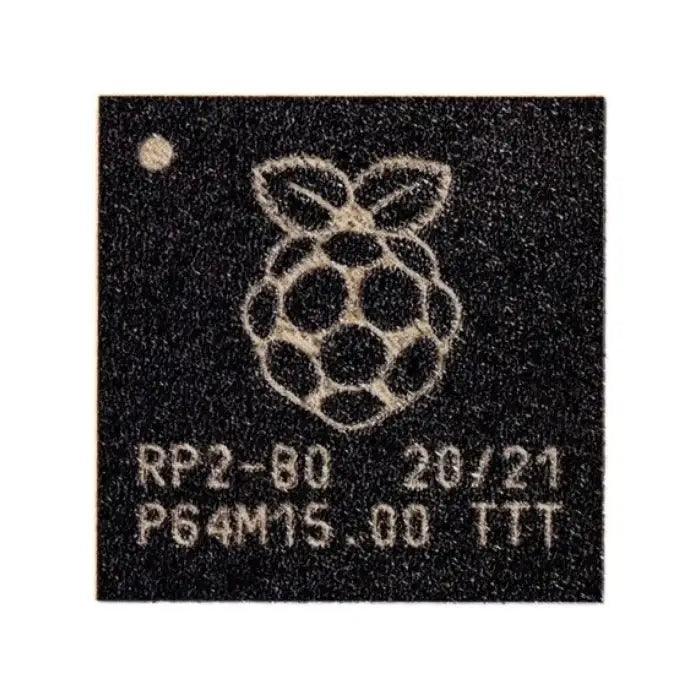
The Raspberry Pi Pico is a compact microcontroller board developed by the Raspberry Pi Foundation (UK). It is powered by the RP2040 microcontroller, which features a dual-core Arm Cortex-M0+ processor, 264 KB of SRAM, and support for up to 16 MB of external flash memory. These capabilities make the Pico a powerful yet affordable solution for embedded systems, automation, and DIY electronics projects.
One of the key advantages of the Raspberry Pi Pico is its flexible programming support. The board can be programmed using C/C++ or MicroPython, making it suitable for beginners as well as advanced developers. Getting started is simple—users can upload programs by dragging and dropping files via USB. At the same time, experienced developers can take advantage of the Pico’s extensive peripherals, including I2C, SPI, UART, and eight programmable I/O (PIO) state machines that allow custom hardware interfaces.
Thanks to its low power consumption, compact design, and reliable performance, the Raspberry Pi Pico is widely used in applications such as home automation, robotics, industrial control systems, and embedded development projects.
Microcontroller: Powered by the RP2040 chip, designed by Raspberry Pi.
Processor: Dual-core Arm Cortex-M0+ processor running up to 133 MHz.
Memory: 264 KB SRAM and 2 MB onboard flash memory.
USB Support: USB 1.1 with both device and host capabilities.
GPIO Pins: 26 multifunction GPIO pins for connecting peripherals.
Interfaces Available:
2 × SPI
2 × I2C
2 × UART
3 × 12-bit ADC channels
16 × PWM channels
Choose Raspberry Pi Pico if you need higher processing power, more RAM, and MicroPython support for applications such as IoT, robotics, or real-time systems.
Choose Arduino if you prefer a large ecosystem of shields, simple prototyping, and strong beginner support.
The Raspberry Pi Pico can be used in a wide variety of projects, including:
Home automation systems
Robotics and automation
Gaming and interactive electronics
Educational projects and learning platforms
IoT (Internet of Things) devices
DIY electronics projects
Environmental monitoring systems
Music and audio projects
Security systems
Wearable technology


